Add a resident
Adding a resident directly without settlement process
(the quick way)
Navigation
- Home | Client | Activity | Transfer Client
You can add a resident in two ways: via the Settlement process (to capture reservations and deposits before move-in) or through a direct transfer into the unit.
To perform a direct transfer:
- Tap Client on the Home page and hit the "+" button.
- Enter the client's name, phone, and email, then tap Save
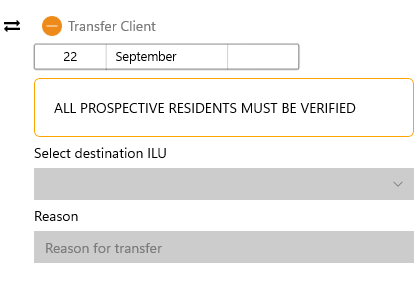
- Tap Activity, go to Transfer Client, enter the destination ILU fields, and tap Save.
Important: If the village requires resident verification prior to move-in, you must complete the verification process first, or the system will block the transfer.