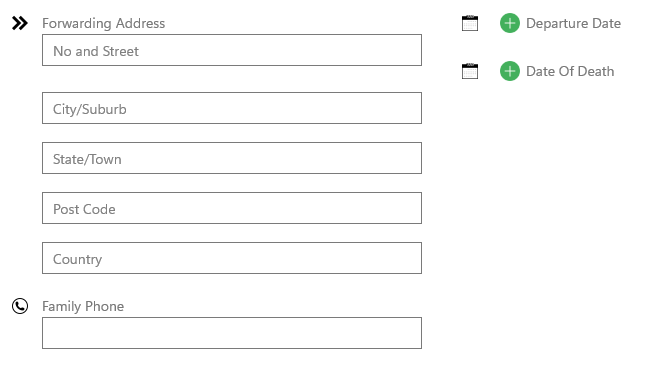
Decease date
Entering the date of death
Navigation
- Home | Resident | Profile
To enter a deceased or discharged resident's information, ensure they have first been officially discharged from the system.
- Navigate: Tap Resident on the Home page.
- Search: Select the ALL checkbox and search for the resident's name.
- Update: Tap Profile, enter the Forwarding Address or Date of Death, and tap Save.
Note: The "Date of Death" field will only appear after the resident's status is set to discharged.