VM Client Login
How to download and login to VM Client
- Download the app: Search for VM Client in the Apple App Store, Google Play, or Windows App Store, then tap download.
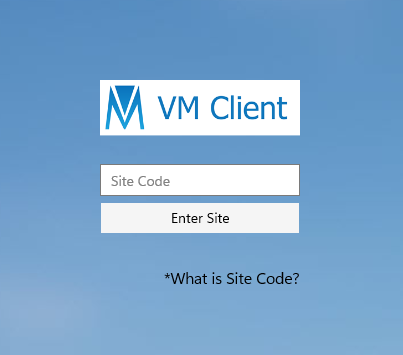
- Enter site code: Open the app, type in your site code, and tap Enter Site.
- Log in: Enter your login ID, password, and village name, then tap Login. You will be taken to the home page.